Kitchen
Counter.
Don't look down.
A pickleball scorer that lives on your wrist. Twist the Digital Crown toward you when you win the rally, away when they do. No tapping. No fumbling. No looking down between points.
feel.
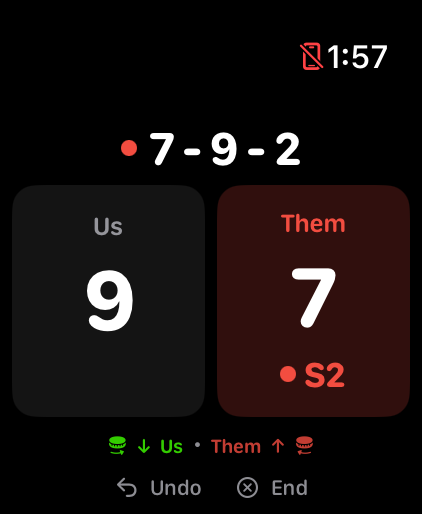
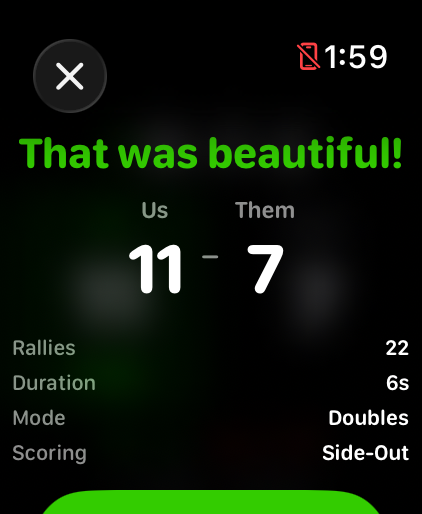
The score view, recreated. 9 us, 7 them, their server 2.
A small flick of the Digital Crown toward you and the score bumps from 8 to 9. You'll feel a haptic tap on your wrist confirming the point — that's your receipt. If you didn't feel the tap, the score didn't change.
Flick the crown away and the point goes to Them. Side-out logic, server side, and the first-server exception are all handled in the same motion. Over-rotate? Tap Undo at the bottom of the screen.
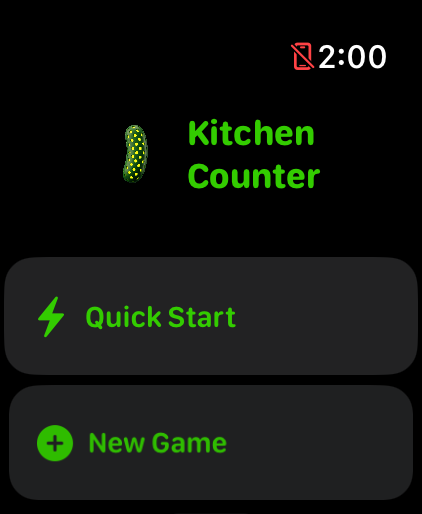
Kitchen Counter is both — a name that's a pun if you play, and a perfectly literal description if you don't. The app is the same way: simple if you've never picked up a paddle, precise if you've played a thousand games.
Digital Crown scoring on Apple Watch. Toward you = your point, away = theirs. Haptic confirmation on the wrist. Tap-zones as backup.
Doubles and singles. Side-out and rally scoring. Games to 11, 15, or 21. Win-by-two toggle. First-server exception built in.
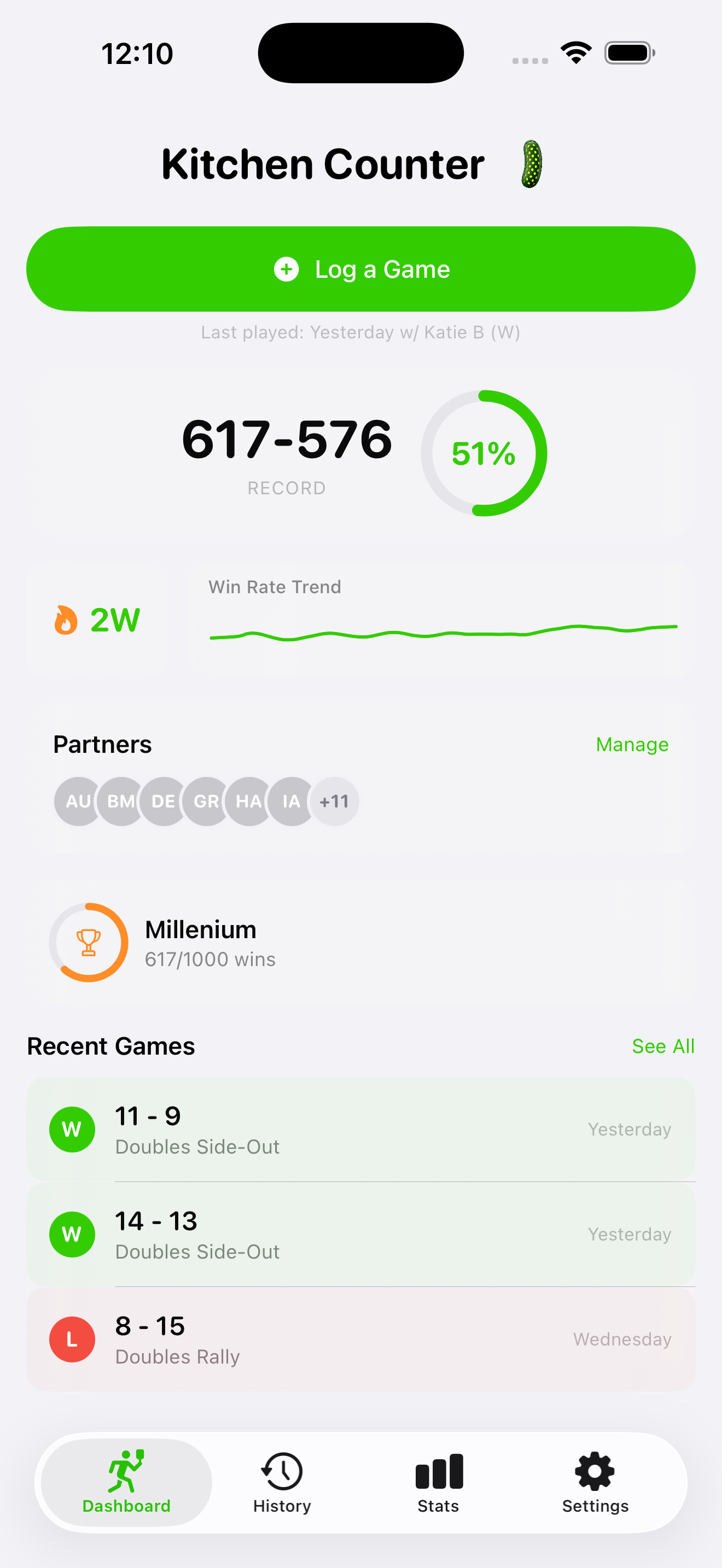
Win rate ring, current streak, last-played card, partner pill row, recent games. The watch is for the court; the phone is for after.
See who you actually win with. Sorted bar chart. Tap any name for filtered stats — record, clutch rate, heatmap, fatigue curve.
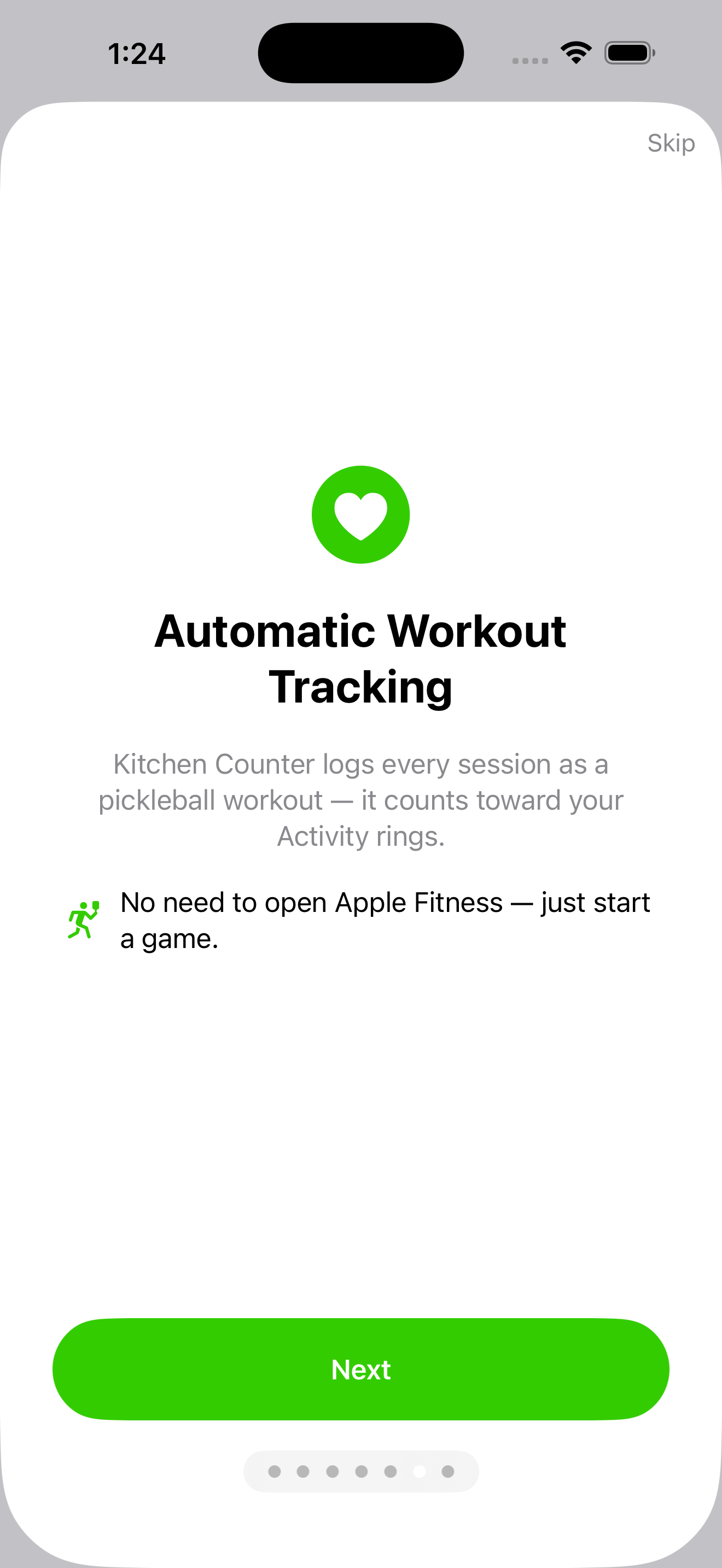
Every match logs as a pickleball workout in Apple Health. No need to open Apple Fitness — the rings just close.
Score on the watch, review on the phone. CloudKit keeps everything in your private iCloud — no account, no server I run.
Every one of them.
Open the phone after a session and it's all there: record, win rate, current streak, last played, who you partnered with. Tap a partner pill for a filtered view. Tap a match for a point-by-point replay.
Real moments.
Win your first game. Win twenty-five. Win a shutout (15–0). Survive a nail-biter (1-point margin). Win a third game from behind. Play before sunrise. Play after midnight. The app notices. It just doesn't announce.
your rings.
Every match Kitchen Counter scores also logs as a Pickleball workout in Apple Health — heart rate, active energy, the whole bit. No need to start Apple Fitness separately. Just open Kitchen Counter and play.
"Us" becomes "Me" in singles.
Side-out: only server scores. Rally: every point counts.
Set a default, override per-game on the watch.
Toggle for rec play. Tournament-default is on.
In doubles side-out, the first-serving team starts with only Server 2 (no S1). The app knows. You'll never have to remember.
Quiet. Yours.
Turn the crown toward you to score for your side, away to score for theirs. You'll feel a haptic tap on your wrist each time — that's your confirmation. If you didn't feel the tap, the point didn't register. Tap-zones on screen are there as a backup.
Side-out is traditional pickleball: only the serving team scores. Rally is the format clubs are starting to adopt: either team scores on every rally. The watch lets you set a default and override per game.
For setup, yes — pair the partners list and confirm Apple Health permissions on the phone the first time. After that you can play entirely from the wrist. The phone is your after-the-game dashboard.
In your private iCloud, via CloudKit. There is no server I run. There is no account. I literally cannot see your matches even if I wanted to.
Because a pickleball scorer is not a relationship — it's a tool. If you don't open it for three months, I don't want a notification chasing you back. Play when you play.
Yes, via iCloud — both devices need to be signed into the same iCloud account and have iCloud enabled for Kitchen Counter. Sync can take a minute. If it seems stuck, force-quit the app and reopen.
We'll count.